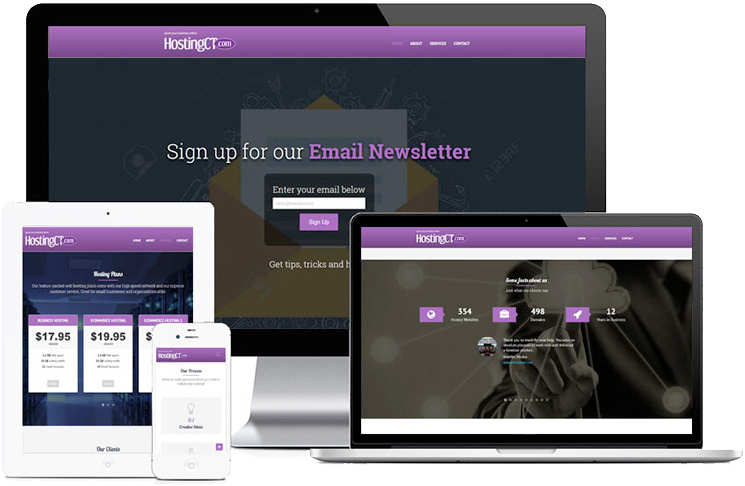
Technology is a foreign language to me, and Paula is my friendly, patient, trustworthy translator. Yes, there are plenty of companies staffed with technological experts who are well-qualified to design/host/maintain/secure websites, register domain names, establish merchant accounts, etc., but HostingCT.com does all of that and more. The “more” that sets this business apart is its founder and owner Paula Pierce. She is a technological expert who can effectively communicate not only with her “techie” peers, but more importantly, with us “average, non-techie” business people.
The fact that she is willing to, and clearly enjoys doing both makes her incredibly valuable as a translator for all (of either type) who have the privilege of working with her. While very few others in the field can compete with Paula in this regard, it is in my opinion, only her second best quality. What makes her most unique is that she represents something that unfortunately many today do not believe exists – a Successful, Honest Businesswoman. That is why I will recommend none other than Paula Pierce’s HostingCT.com, LLC.